Converter STL → PNG
STL to PNG converter
Turn a binary or ASCII STL into a clean, edge-lined PNG preview. Pick a view, a size and a background, then download the image. It is free and there is no sign-up.
01 How to
Convert an STL to PNG in three steps
- Choose your STL fileDrop it on the box above or click to browse. Use “Try a sample” if you just want to see the result.
- Set the view and stylePick isometric, perspective or one of the six orthographic views. Change size, background and edge lines, or switch to a 4-view sheet or turntable. The preview re-renders on every change.
- Download the PNGPress “Download PNG”. The image is created on your device and saved straight from the page.
02 FAQ
Questions and answers
Is my STL file uploaded anywhere?
No. The renderer is a WebAssembly module that your browser downloads once with the page. Your file is read from disk into the page's memory, rendered there, and the PNG is created locally. The file is never sent to our servers or to anyone else, and once the renderer has loaded, the page keeps working with the network unplugged.
How large can the STL be?
The converter has the same limits as the API: files up to 100 MB and models up to 5,000,000 triangles. Because the work happens on your device, very large models also depend on how much memory your browser can use. Output is 256, 512 or 1024 pixels square here; the API goes up to 2048 pixels per side.
Does it read both binary and ASCII STL?
Yes, both. The format is detected from the file contents. STL files carry no units and no standard colour information, so the part is framed to fit the image and drawn in the default CAD shading.
Can I get a transparent background?
Yes. Tick Transparent background and the PNG is written with an alpha channel, so it sits on any page colour. The checkerboard in the preview only shows where the image is transparent; it is not part of the file.
What are the 4-view sheet and the turntable?
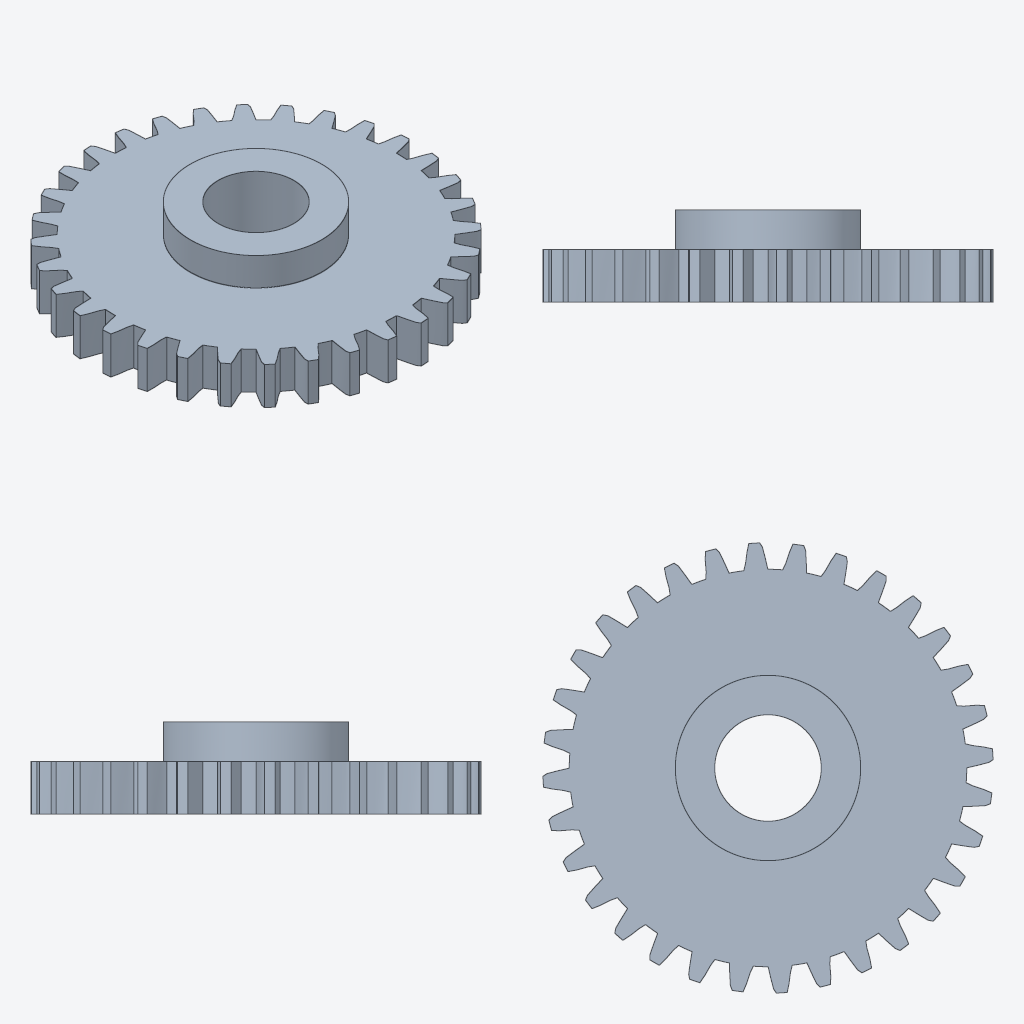
The sheet is a single image with isometric, front, right and top views drawn at a common scale. The turntable is an animated PNG of the part rotating through 36 frames; it plays in any modern browser in a normal image tag.
Get this as an API
Generate STL thumbnails at upload time from your backend. One HTTP request per image, about 70 ms end to end for a typical part, EU-hosted. The free plan includes 100 units a month.